† Black Metal Terminal †
Contents
For some reason, I’ve never really liked the new 2010s/2020s modern terminal aesthetics that circle around in the terminal customization niche subculture. I don’t like the Catpucchin, Dracula, Gruvbox, etc. themes very commonly found on this circles. It’s just my personal taste, and I think it has something to do with an inclination towards a low stimulus workspace.
Last year, I found my personal sweet spot: Base16 colors, AND Black Metal inspired Base16 themes. I love heavy music, so I just can’t ask for anything better than this 😍. There are A LOT of different base16 themes out there, but I just sticked to black metal ones. Every one of them has some band in its name. I.e. black-metal-gorgoroth.
It’s as if I found what I was looking for: A functional, minimalistic, retro-styled terminal theme I could use in my terminal. Base16 is not a theme but a framework for building themes with a simple palette of 16 colors. I didn’t go deep on this, but I think the credit for this Base16 spec is Chris Kempson.
Last year I wrote about my current setup, and I mention my decision for having Base16 colors and in this post I share how to implement it on Linux or MacOS.
Black Metal Venom, for ZSH:
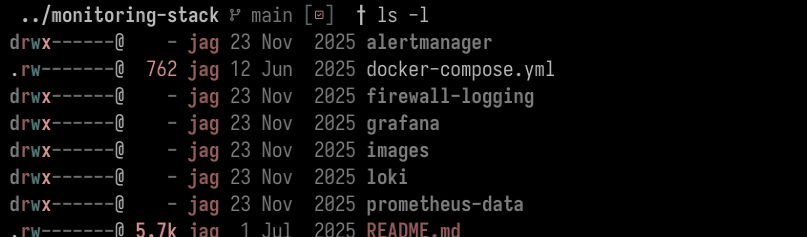
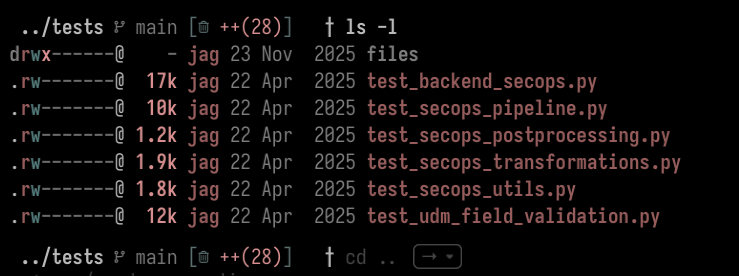 Black Metal Gorgoroth, for Vim:
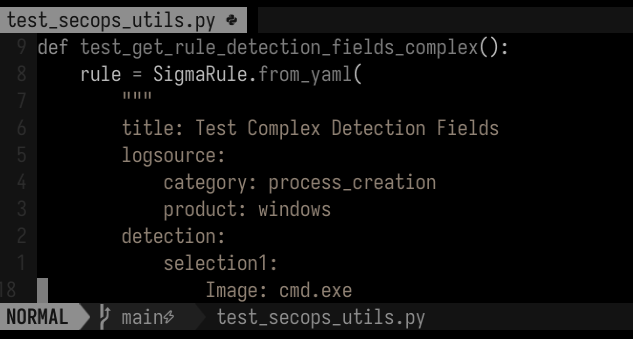
What was installed
Warp Terminal vs. Zsh
For ZSH shell, We can install base16 themes directly by:
- Clone Chris Kempson’s Base16-shell repository,
sourcethe appropriate script. For example,
source $HOME/.config/base16-shell/scripts/base16-black-metal-dark-funeral.sh
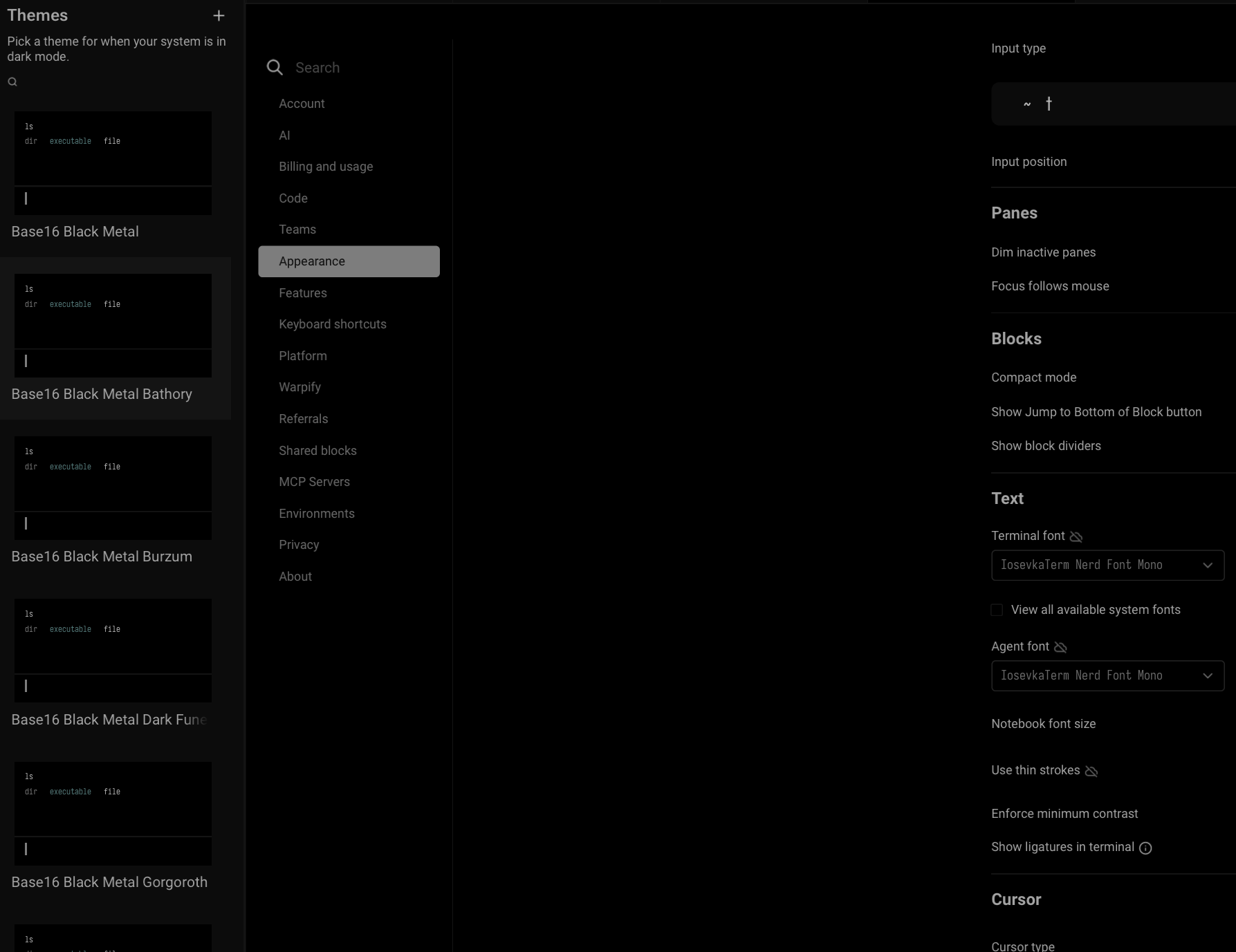
But since I use Warp 99% of the time, I just installed Base16 into Warp:
- Link to the resource: https://docs.warp.dev/terminal/appearance/custom-themes
Vim
On Vim, I use “Plug”, the Vim plugin manager and just add Metalelf0’s base16 themes this to .vimrc :
Plug 'metalelf0/base16-black-metal-scheme'
Fonts
The cherry on top is Iosevka Mono font. It can be downloaded directly from Nerd Fonts.